

Hint: If you're sharing with someone in Slack, WhatsApp or whatever, pick
.jpg so that the image has a solid white background.
Auto-generate on. Press Ctrl+E to force regenerate image.
Share
For when you want to come back and continue editing this diagram.
.svg imageGreat for editing in vector tools or embedding on the web.
.png imageNice for blogs, wikis or email. Transparent background.
.pdf documentGreat for printing. Infinite zoom.
.jpg imageSolid background. Plays nicer with some desktop tools.
.json fileTo programmatically save metadata.
Add to your diagrams
Save diagrams to easily edit them later. Each diagram gets a permalink so you can change the diagram but keep the same diagram link. Nice!
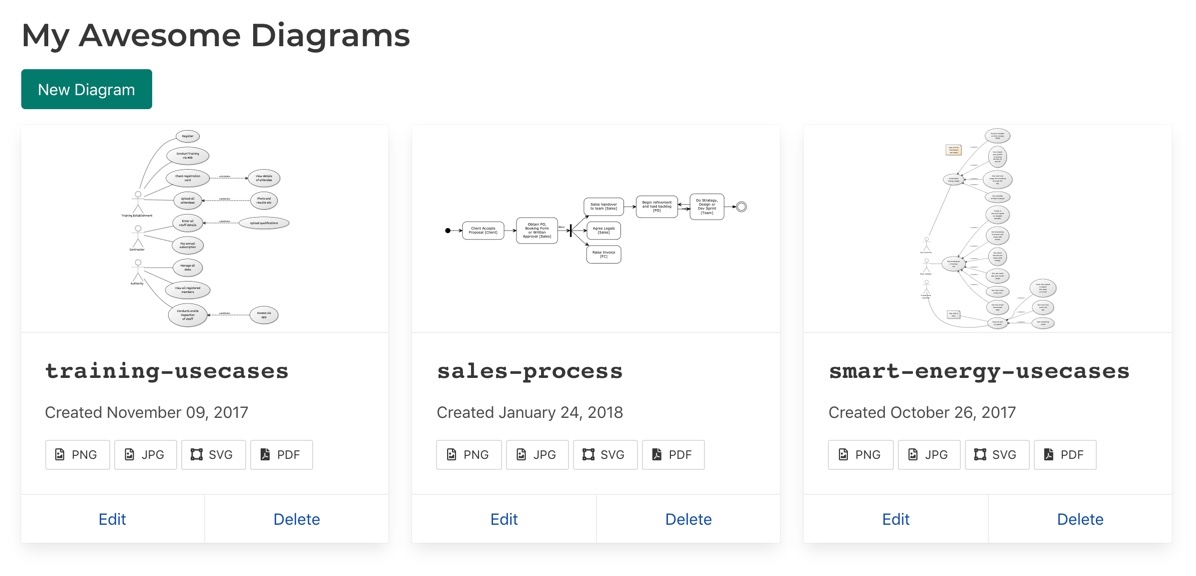
My Diagrams keeps give you a handy list of all your diagrams.
Login or RegisterHelp
[Customer]->[Order]               // Association
[Customer]<>->[Order]             // Aggregation
[Customer]++->[Order]             // Composition
[Customer]1-0..1>[Order]          // Cardinality
[Customer]1-0..orders 1>[Order]   // Assoc Labels
[Customer]-.-[note: DAO]          // Notes
[Customer]^[Member]               // Inheritance
[Customer|name;address|save()]    // Properties
[≪IDisposable≫;Customer]          // Interface
[Customer|var arr[] ]            // Brackets
[Customer {bg:green}]             // Colour
[Customer]                        // Actor
[Customer]-(Place Order)          // Actor to Use Case
(Order)>(Cancel)                  // Extend
(Order)<(Pay)                     // Include
[Member]^[Customer]               // Actor Inheritance
Sorry this is incomplete, we're working on it. The samples cover everything, however: Class Diagram Samples, Use Case Diagram Samples and Activity Diagram Samples.
There is also a FAQ
Tobin posts tips sometimes on his blog.

You can use {bg:green}, or some other colour, to change background colour of a class or ese case.